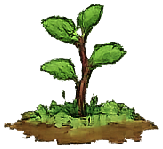
Watch your progress bloom.
Every kanji you learn grows your cherry tree - from a bare sprout to a full sakura bloom. Spaced repetition keeps what you know alive, so your tree only ever grows.





Stop relying on endless memorization. Learn Kanji naturally through writing, recall, listening, and meaningful progress.
Active recall beats passive reading. KanjiKo's writing engine evaluates your stroke order and accuracy in real-time, building muscle memory that lasts.
No more multiple-choice guessing. You either know it, or you don't. And when you do, it stays with you permanently.
Every kanji you learn grows your cherry tree - from a bare sprout to a full sakura bloom. Spaced repetition keeps what you know alive, so your tree only ever grows.
Writing is the core, but memory needs more than one angle. Trace to learn the strokes, write it yourself to prove it, listen and transcribe to link sound to shape, and review to keep it all alive.
One spaced-repetition schedule ties every mode together.
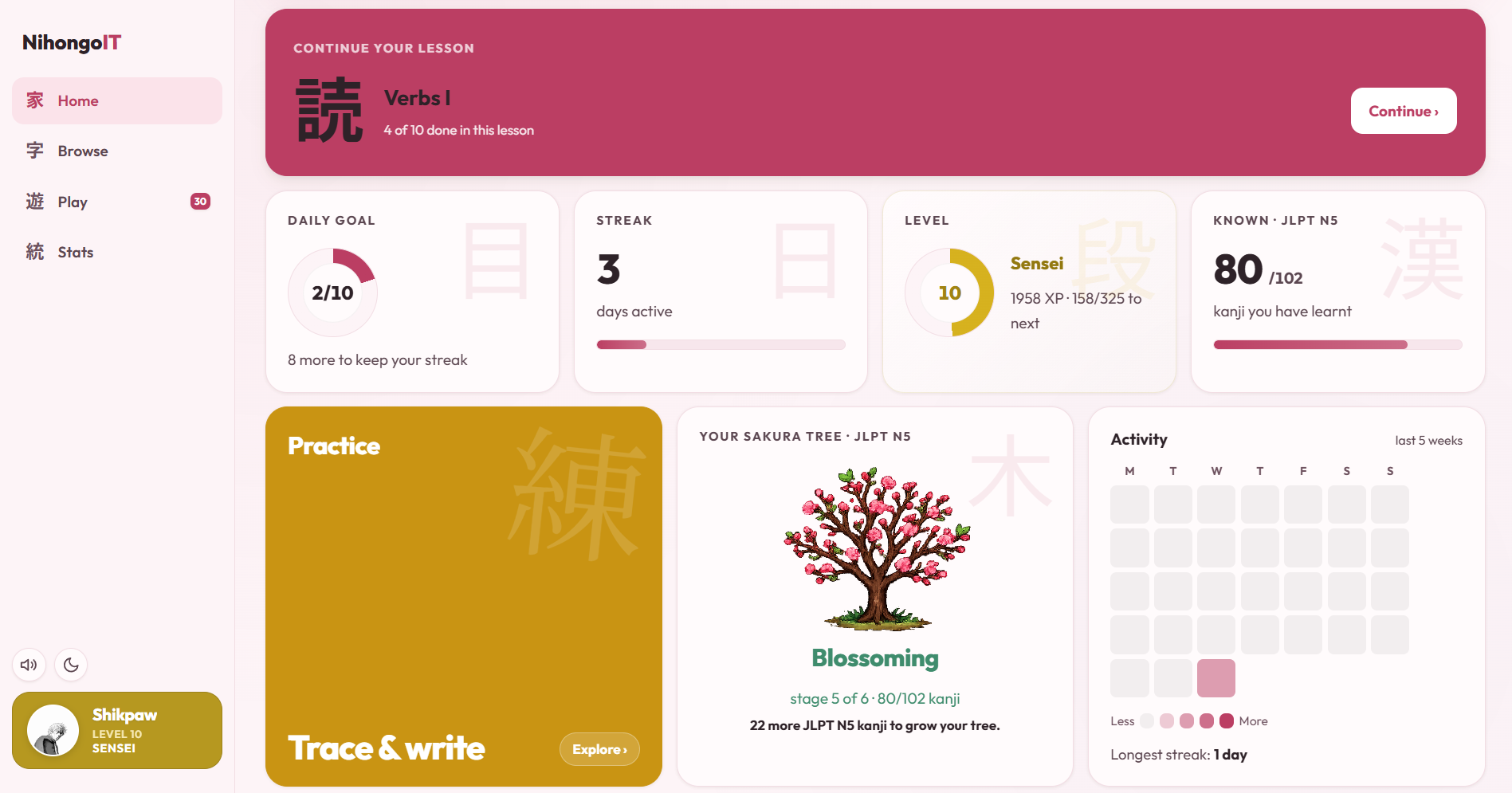
One home screen ties the whole journey together - your next lesson, what is due today, your streak and level, and the kanji you have learned, all in a single glance. No hunting through menus. Open the app, see exactly where you are, and get straight back to writing.
KanjiKo runs in your browser, but you can add it to your home screen for a full-screen, offline-ready experience. No app store, no download.
Prefer not to install? Everything works the same in the browser. Installing just gives you a home-screen icon and a full-screen window.